What is vibe coding?
What Is Vibe Coding? Is AI-Powered Programming Really Effective?
Instead of mastering complex syntax or code structures, vibe coding allows users to build applications, website design, or even games simply by describing ideas and interacting with AI. These tools are gradually reshaping how people program. So, what is vibe coding? This article by DIMORI Labs will help you better understand AI-driven programming and evaluate its real-world potential.
What Is Vibe Coding?
In essence, vibe coding is an AI-powered programming approach where users no longer need to write code line by line or memorize complex syntax. Instead of learning languages like Java, Python, or C++, you simply describe your idea as if you're talking to a person, and AI transforms it into working code.
The term “vibe coding” gained popularity after Andrej Karpathy, former OpenAI researcher, introduced it. He described it as “intuitive programming,” where AI handles the coding while humans focus on direction and refinement. For example, you can say: “Build a cute coffee shop website with an ordering feature,” and AI will take care of the rest.

How Vibe Coding Uses AI
The rise of vibe coding is driven by advanced AI tools such as ChatGPT, Gemini, Cursor Composer, Replit Agent, and GitHub Copilot. These tools now act like developers, capable of understanding and generating code from natural language.
For example, you can prompt: “Design a minimalist booking app,” and AI will generate UI, backend logic, and workflows. To refine, you simply give feedback like “Add a quick booking button” or “Change to pastel colors.”
A typical vibe coding workflow includes:
- Choose an AI coding assistant: Tools like Cursor, Replit, or Copilot depending on your goal
- Define requirements: Write clear, detailed prompts
- Generate & refine: Test, identify issues, and iterate with AI
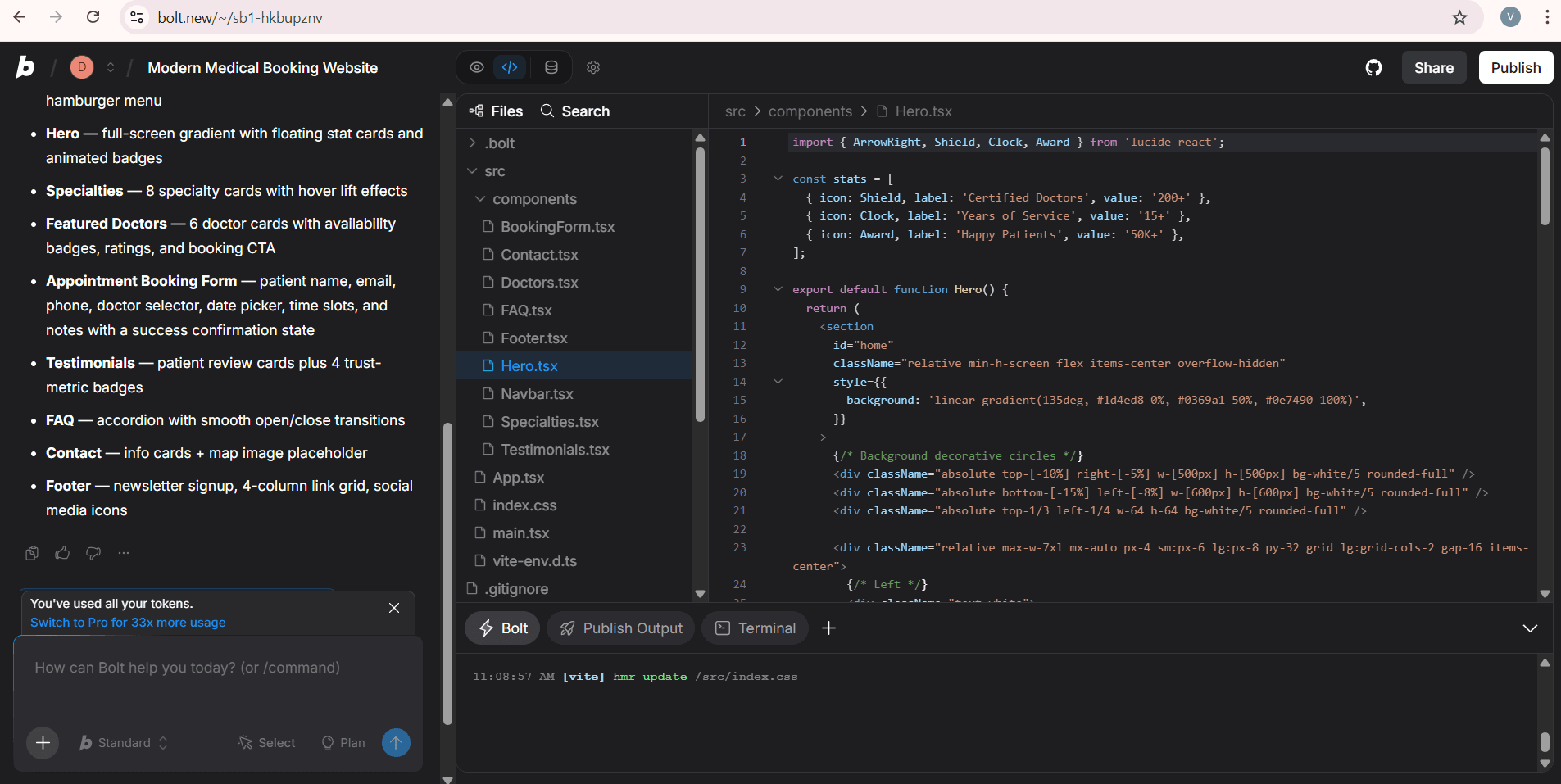
For example: if you want to create an online medical appointment booking website, you only need to briefly describe your requirements, such as: “Design a modern interface with an appointment booking form, doctor listings, and responsive support for mobile devices.” The AI will then automatically generate the layout, interface, and necessary components without requiring you to write code manually.
Step 1: Prepare a detailed prompt
Before starting vibe coding, you should prepare a clear and detailed prompt so the AI can fully understand your idea. You can use ChatGPT or Gemini to help generate a more accurate and well-structured prompt based on your requirements. In the prompt, you should clearly describe the type of website or application you want to build (such as a medical appointment booking website, clinic management app, or online consultation system), who the target users are, the main purpose of the platform, the desired UI style (modern, professional, friendly, minimal, etc.), the primary color palette, and the sections that should be included, such as a hero banner, doctor listings, featured medical specialties, appointment booking form, patient testimonials, FAQ section, and contact information.
Example: Create a modern medical appointment booking website with a clean and professional interface. The website should include a hero section, featured doctors, medical specialties, a quick appointment booking form, patient testimonials, an FAQ section, and contact information. Use a blue and white color scheme to create a trustworthy feeling suitable for the healthcare industry. The interface must be fully responsive on desktop, tablet, and mobile devices. Add smooth animations, modern cards, soft rounded corners, and a minimalist design style. Include a navigation bar, clear call-to-action (CTA) buttons, and a footer with social media links. The appointment booking form should contain fields such as patient name, doctor selection, appointment date, and appointment time.
Step 2: Generate with AI
You can use various AI tools available on the market for vibe coding. In this case, I am using Bolt.new to perform vibe coding.
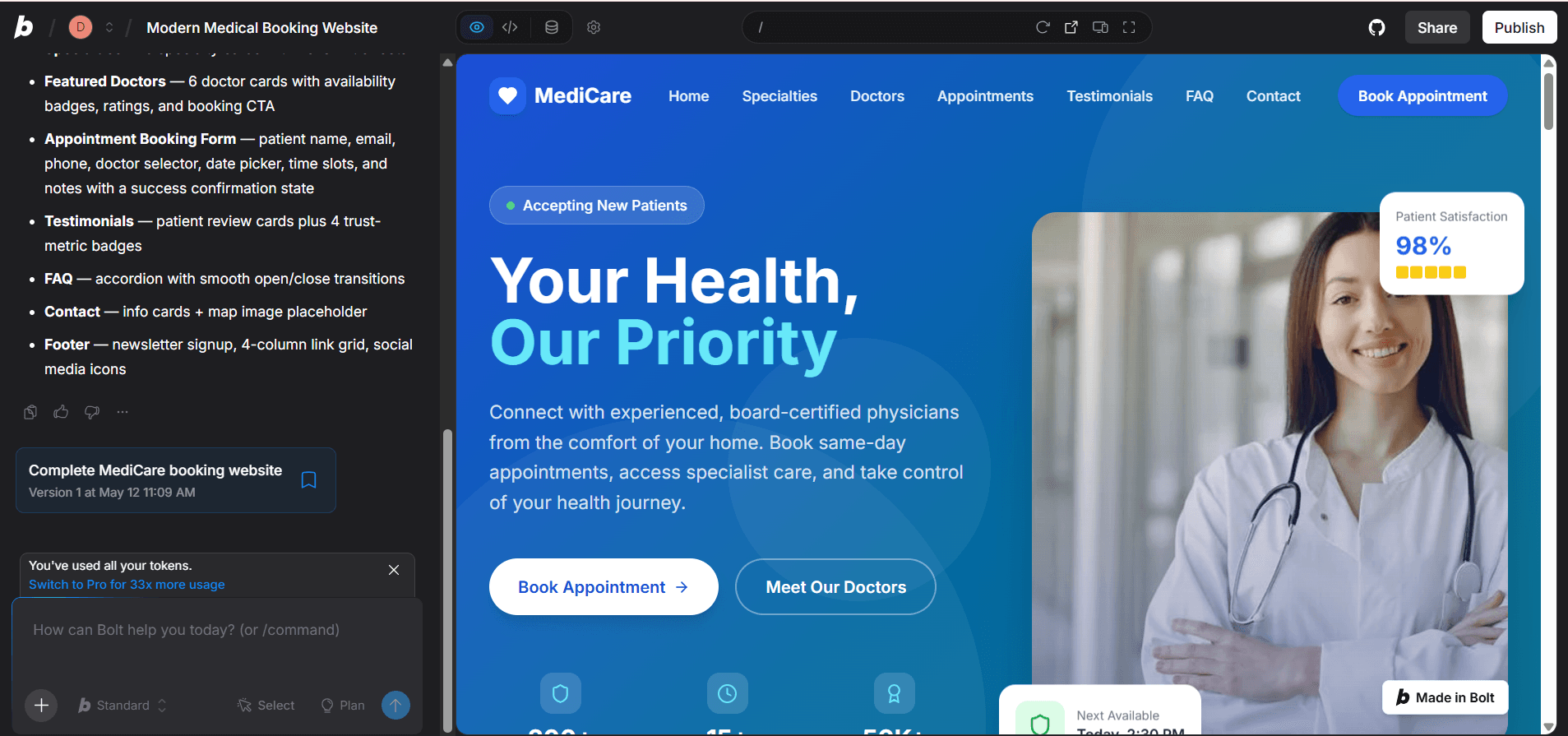
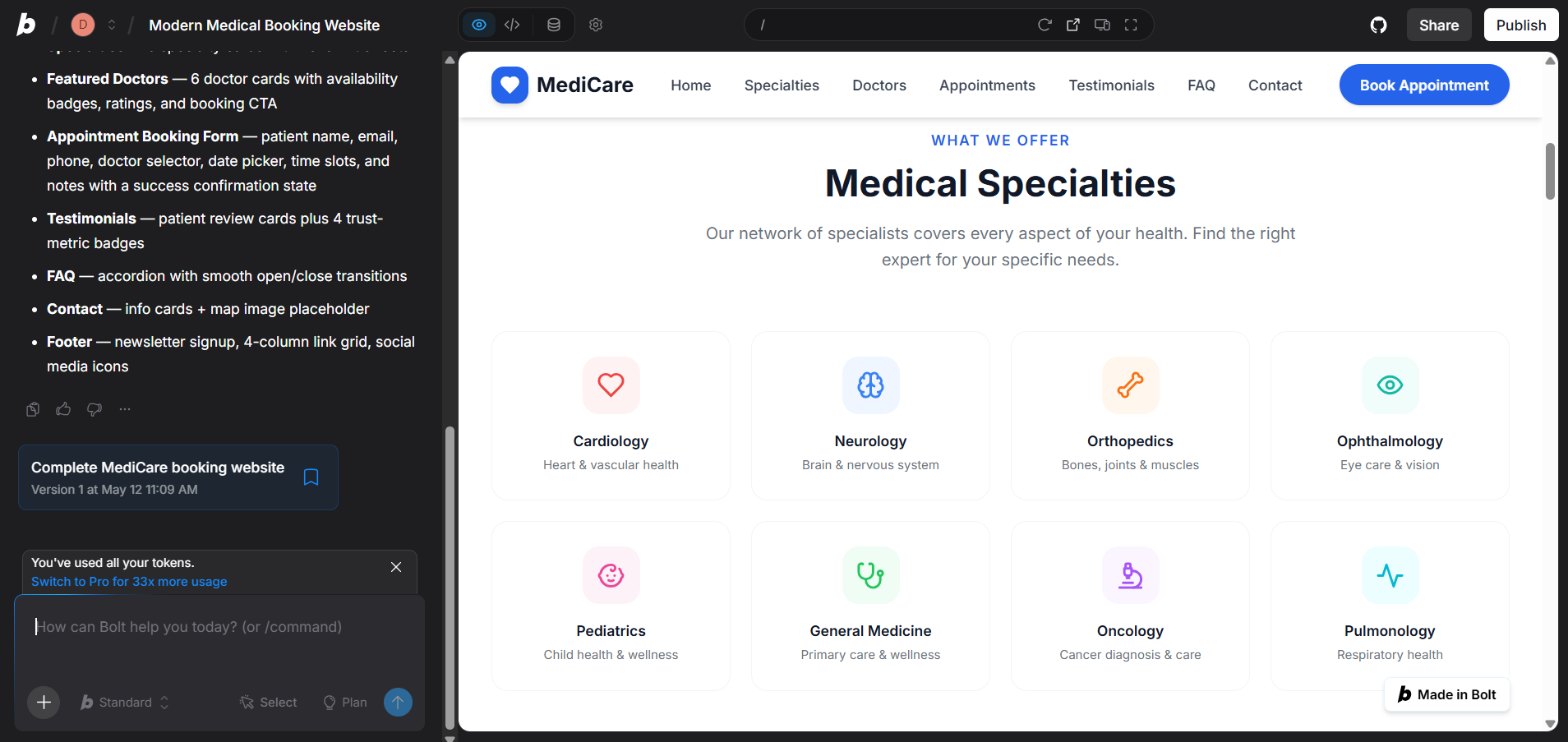
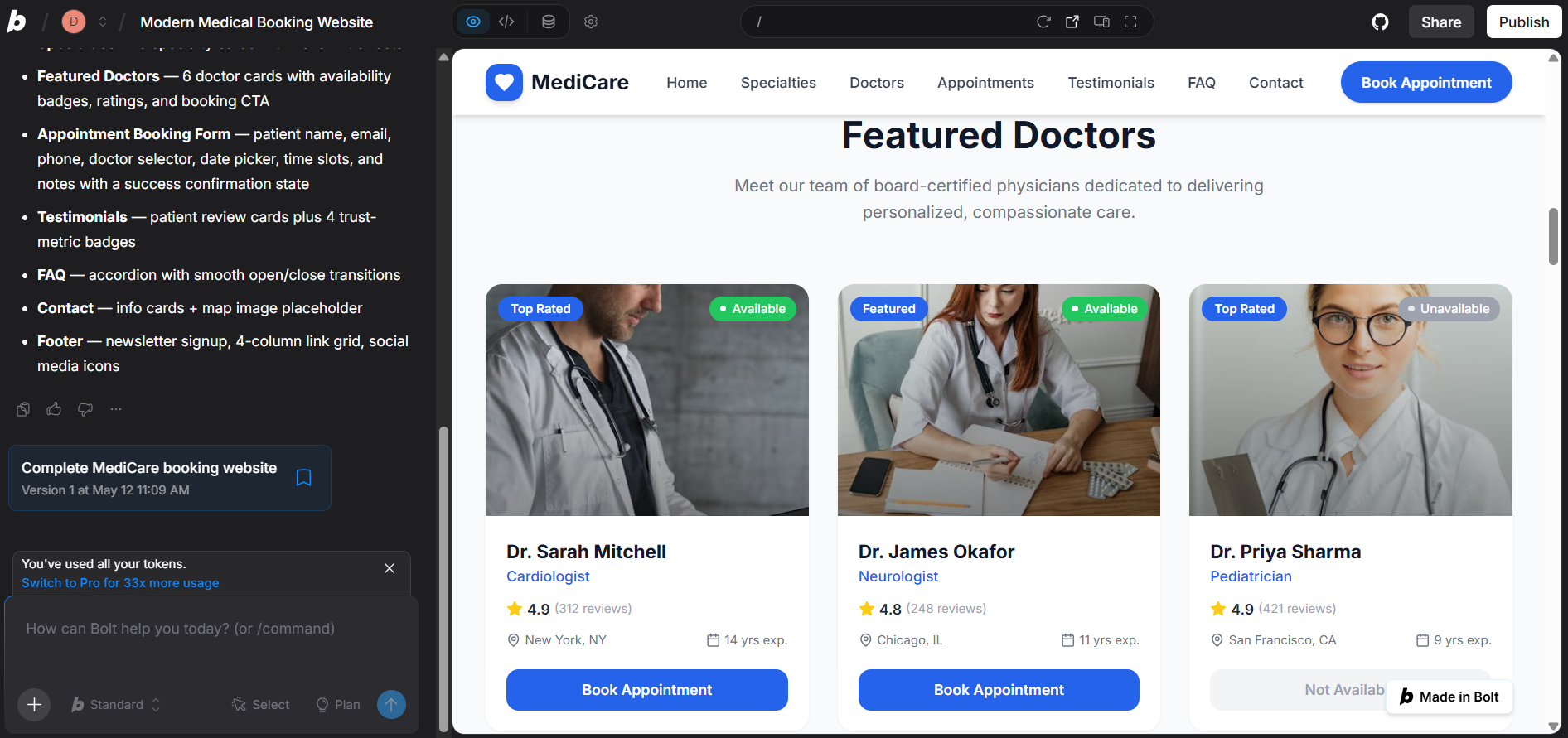
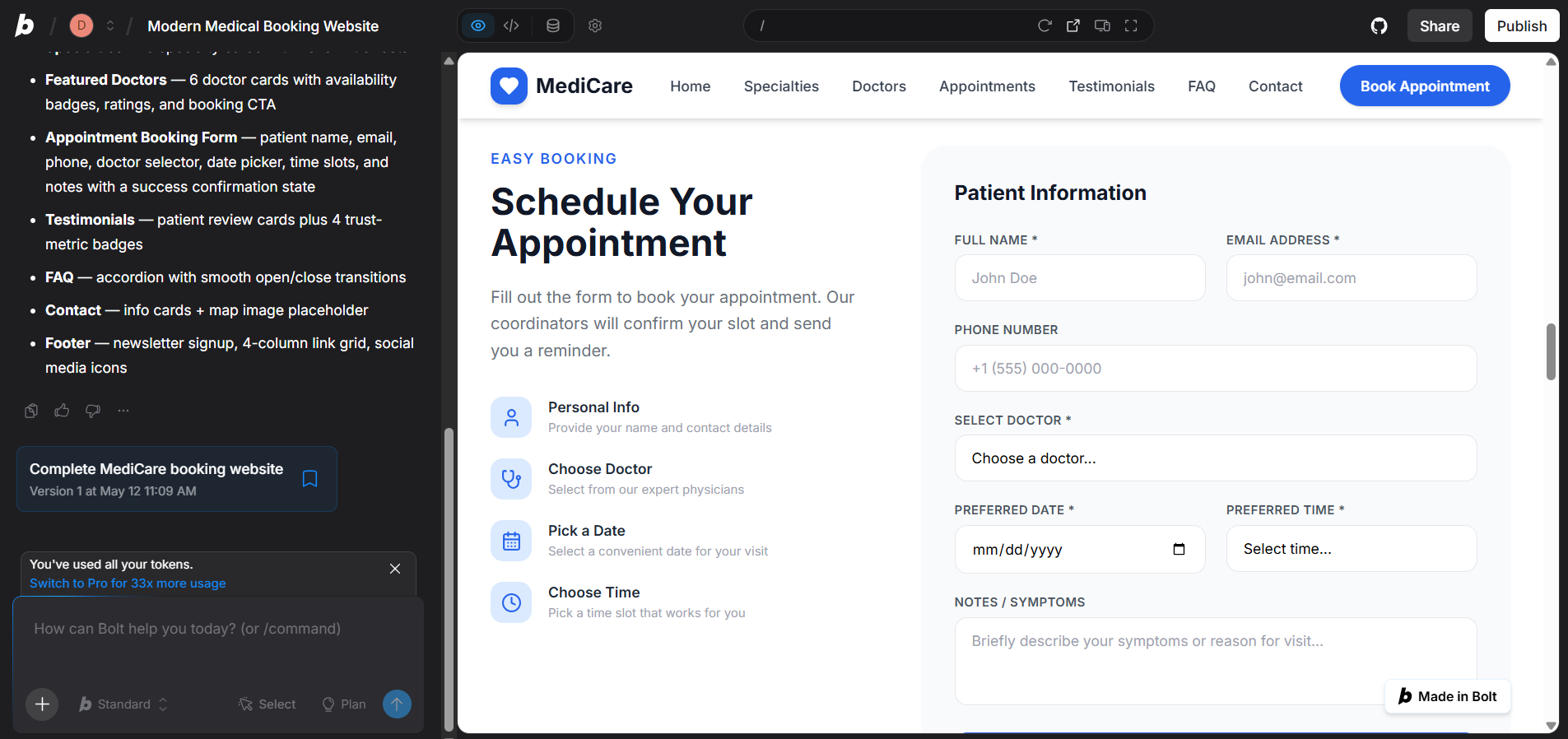
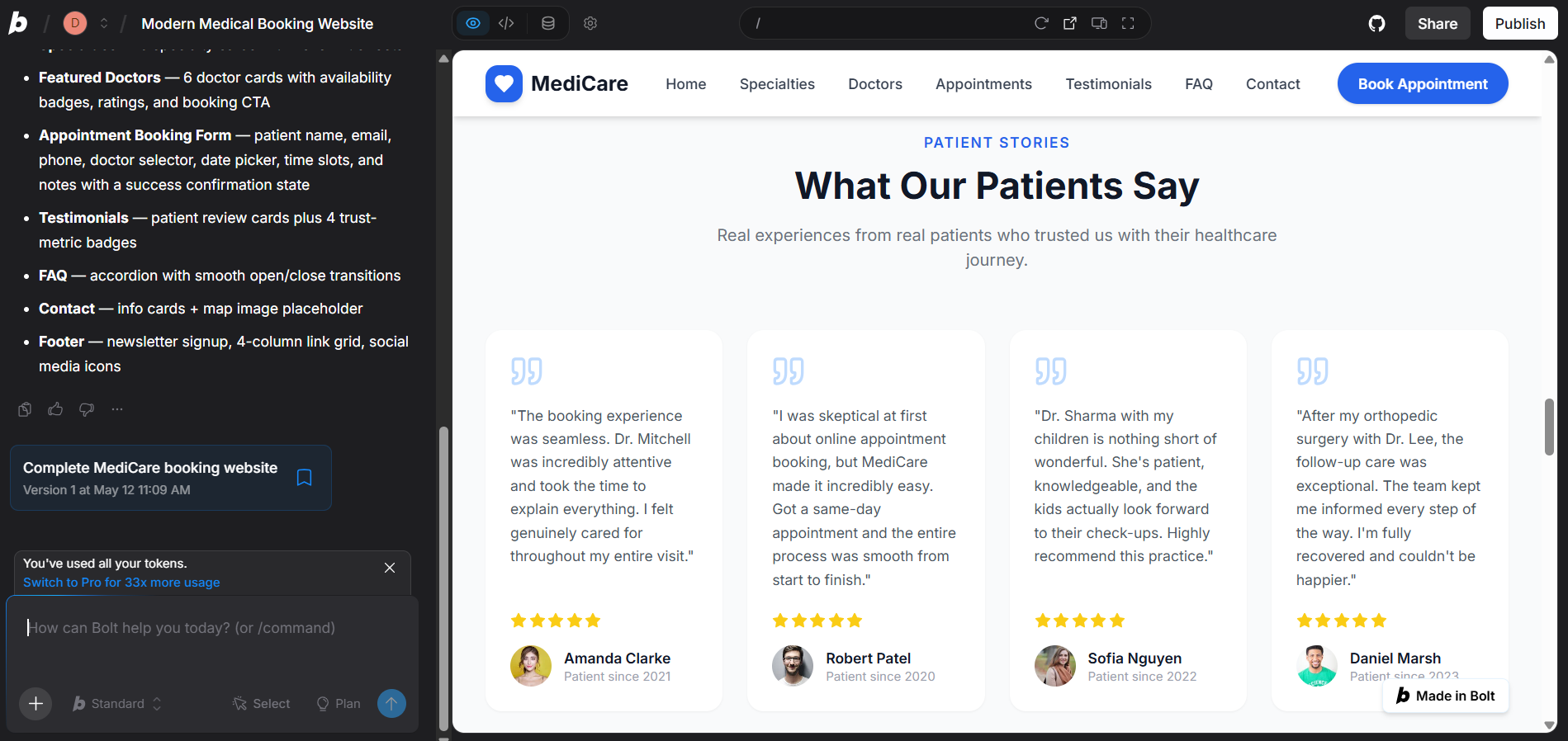
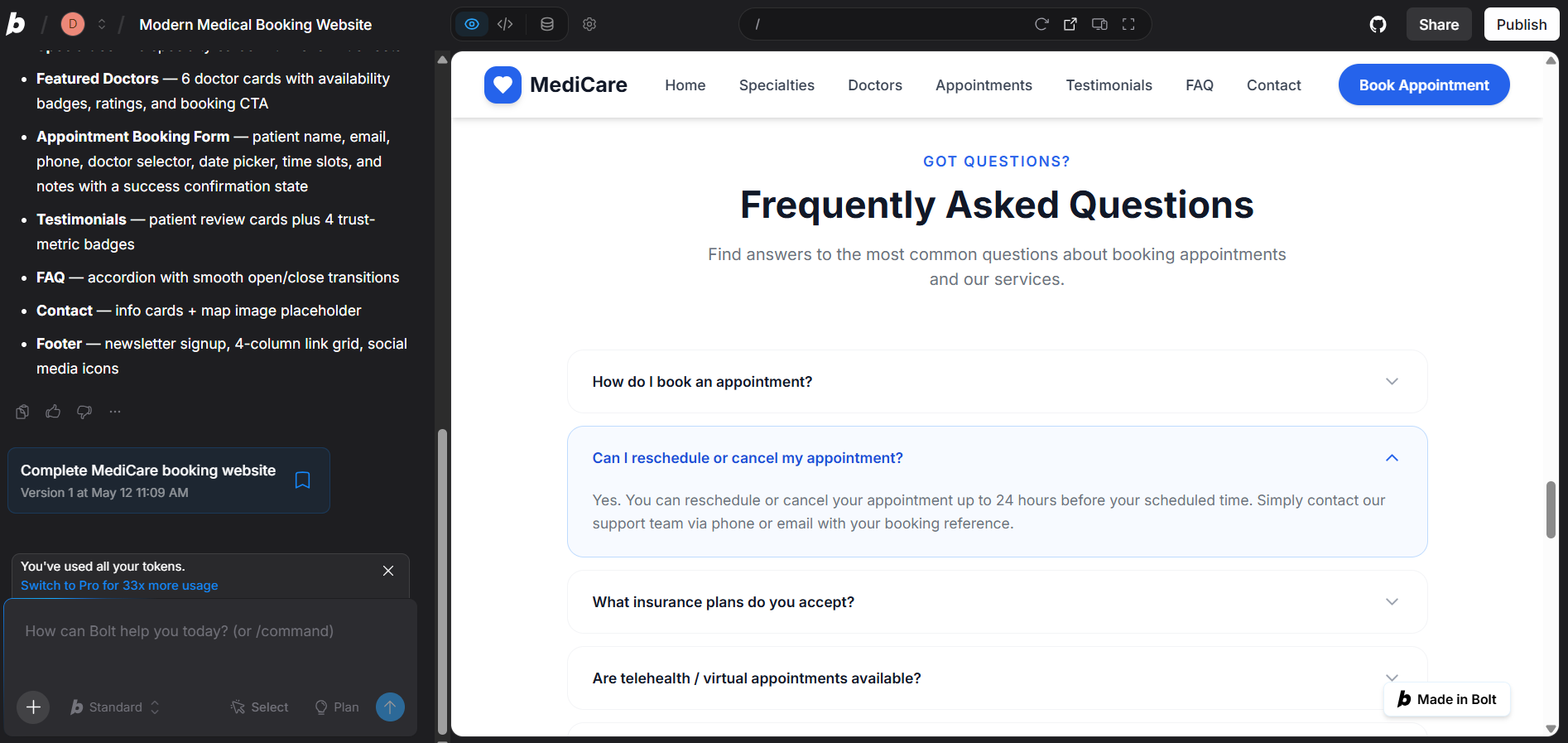
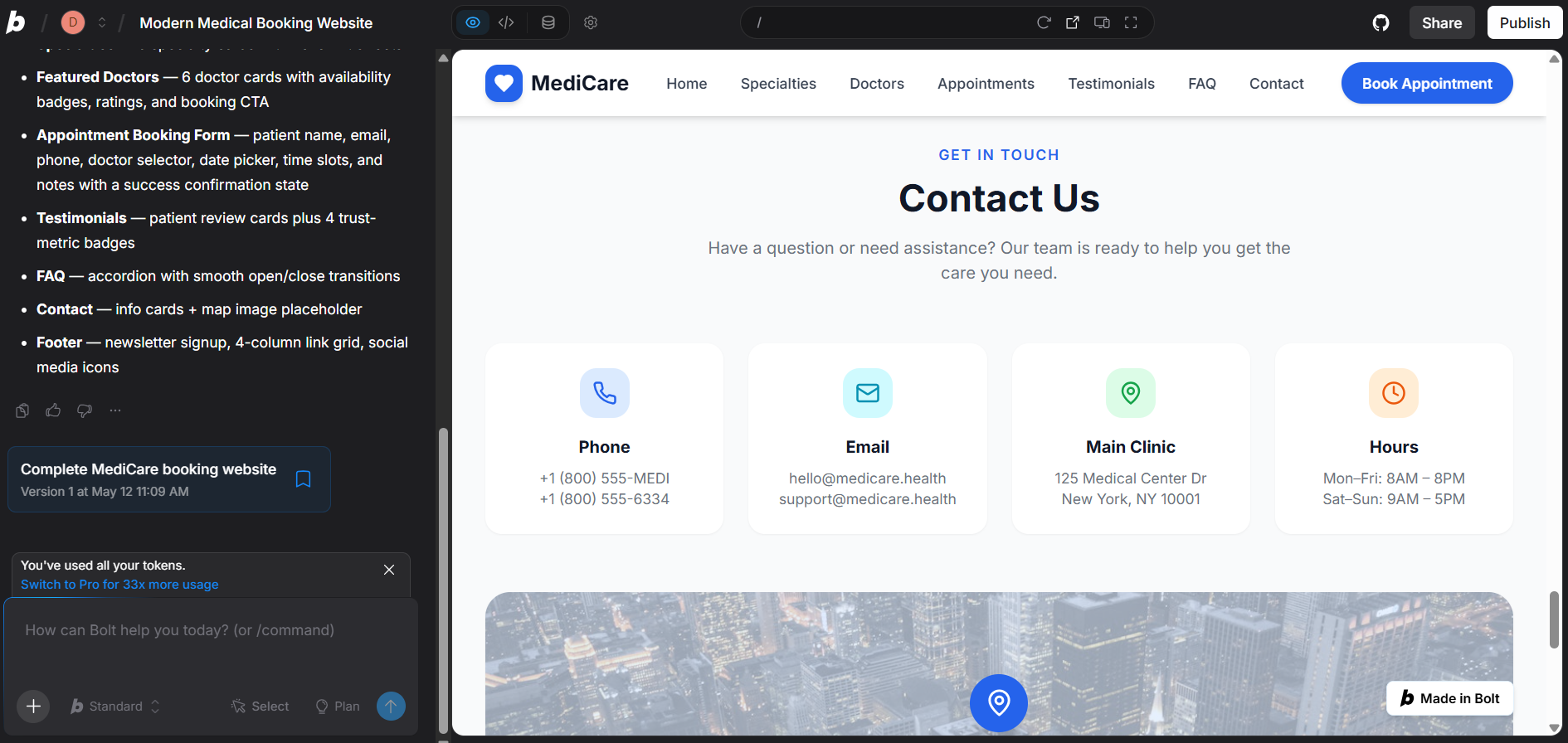
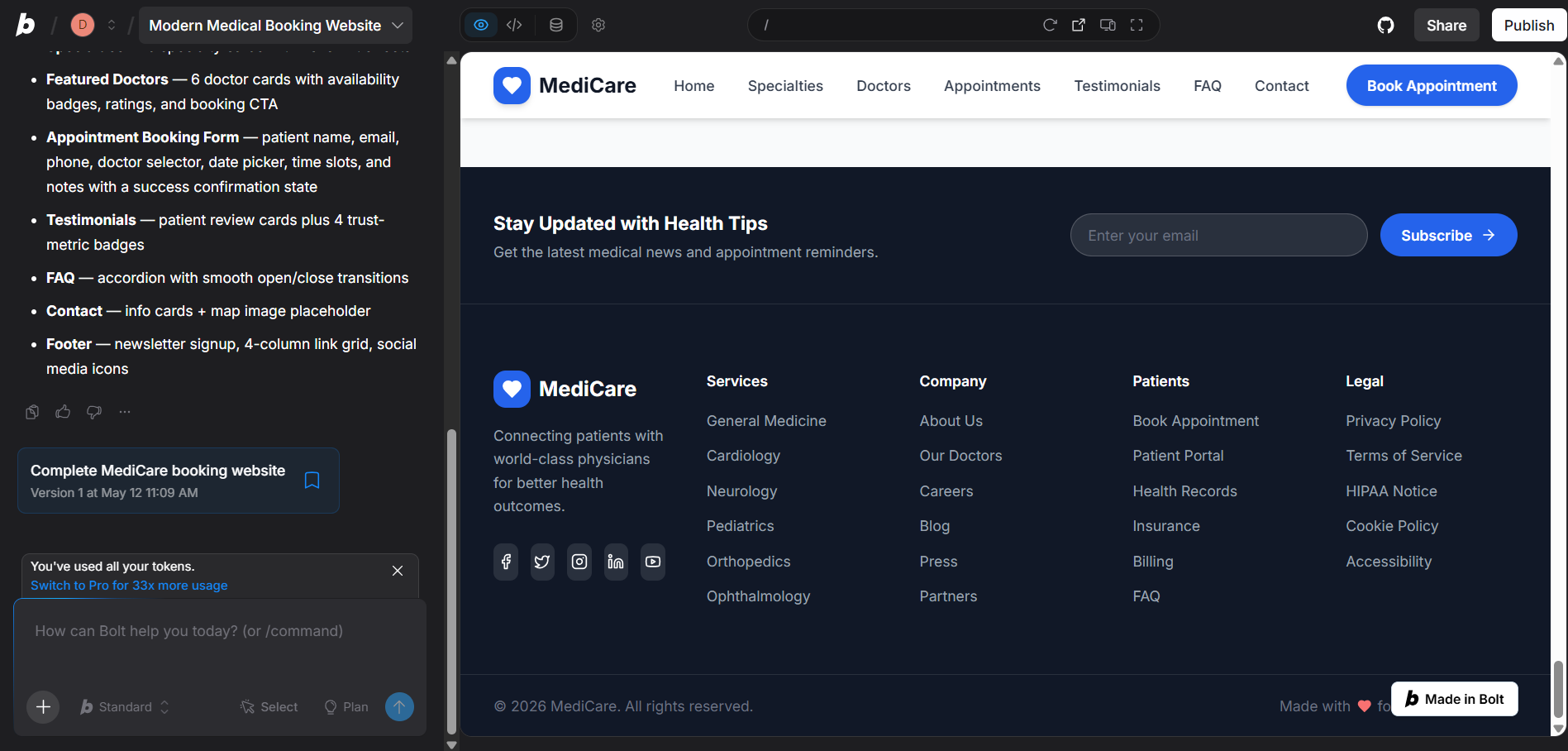
Go to Bolt.new, sign in, and paste your prompt into the chat box. Bolt will automatically generate the interface, write the code, and preview the website directly in the browser. At this stage, the goal is not to achieve perfection immediately, but to create a solid initial version with the right layout, color scheme, and user flow so you can continue refining and improving it later.
Step 3: Review and refine
Once Bolt finishes generating the website, open the preview to review the actual page. Then, refine it gradually by sending follow-up instructions to Bolt, but it is better to edit one group at a time. For example, start by adjusting the layout, then improve the color scheme, and finally update the content and CTA sections. This step-by-step approach helps the AI stay aligned with your intentions and also makes the editing process easier to manage and control.
Step 4: Test before publishing
Before launching your medical appointment booking website officially, you should carefully test the entire user experience as if you were a real patient. Make sure the navigation menu works properly, CTA buttons such as “Book an Appointment” or “Contact for Consultation” are clickable, and the appointment booking form submits successfully while displaying a confirmation message afterward. In addition, check that the doctor listings, medical specialty information, images, and content are displayed correctly on both desktop and mobile devices. Most importantly, ensure the mobile interface is easy to read, the buttons are large enough for comfortable interaction, and the booking form runs smoothly, because even a small issue during the appointment process can cause users to leave the website.
Step 5: Publish
Once everything looks good, click the Publish button in Bolt.new to deploy your website to the internet. After publishing, Bolt will provide you with a live URL that you can access and share with others. At this point, your website is officially online and can be used to show clients, gather feedback, or even start testing advertising campaigns.
Step 6: Connect a custom domain
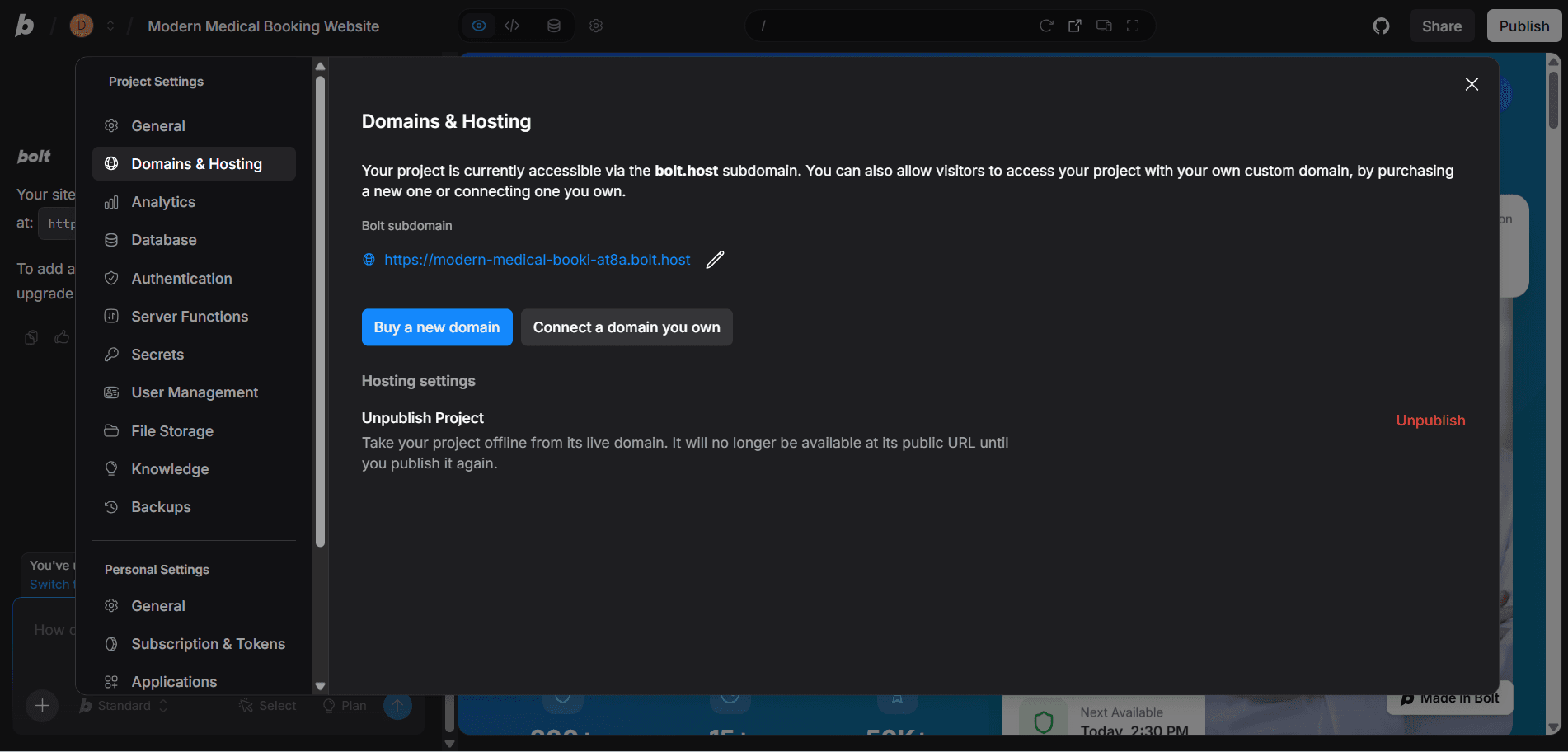
After receiving the live link from Bolt.new, you should connect your own custom domain to make the website look more professional and strengthen your brand identity. In Bolt, go to Project Settings → Domains & Hosting → Connect a domain you own, then add your domain and follow the DNS records instructions provided by Bolt. Bolt also offers official documentation that explains the exact setup process and allows you to check your domain status inside the Domains & Hosting section. Once the verification is completed, visitors will be able to access your website through your custom domain instead of the default Bolt link.
Step 7: Connect forms for leads
This is an extremely important step, but it is often overlooked. The form on your corporate gift landing page must be able to store customer information, for example by sending submissions to email, Google Sheets, or a CRM system. You should also make sure the form includes basic data validation and displays a successful submission message so customers feel confident that their quotation request has been received properly.
Step 8: Optimize continuously
Once your website is running smoothly, connected to a custom domain, and the appointment booking form is working correctly, you can start sharing it with users or running advertisements to attract patients. After that, monitor the real user experience and continuously optimize the interface and user flow, such as adjusting the headline, changing the main banner, improving the appointment booking CTA buttons, or optimizing the registration form to increase successful booking rates. An effective medical appointment booking website is rarely perfect from the beginning; instead, it is continuously improved based on real user behavior and feedback.
Benefits of Vibe Coding
- No deep coding knowledge required
- Faster development time
- Boosts creativity
- Monetization potential
Risks and Limitations

- Limited handling of complex logic
- Inconsistent code quality
- Maintenance challenges
- Security risks
- Still requires human oversight
Frequently Asked Questions
Can AI replace developers?
Not entirely. Developers still play a crucial role in system design, optimization, and security. AI is more of a powerful assistant than a replacement.
What is the future of vibe coding?
Vibe coding won’t turn non-developers into experts overnight, but it enables professionals in other fields to build tools without deep coding knowledge.
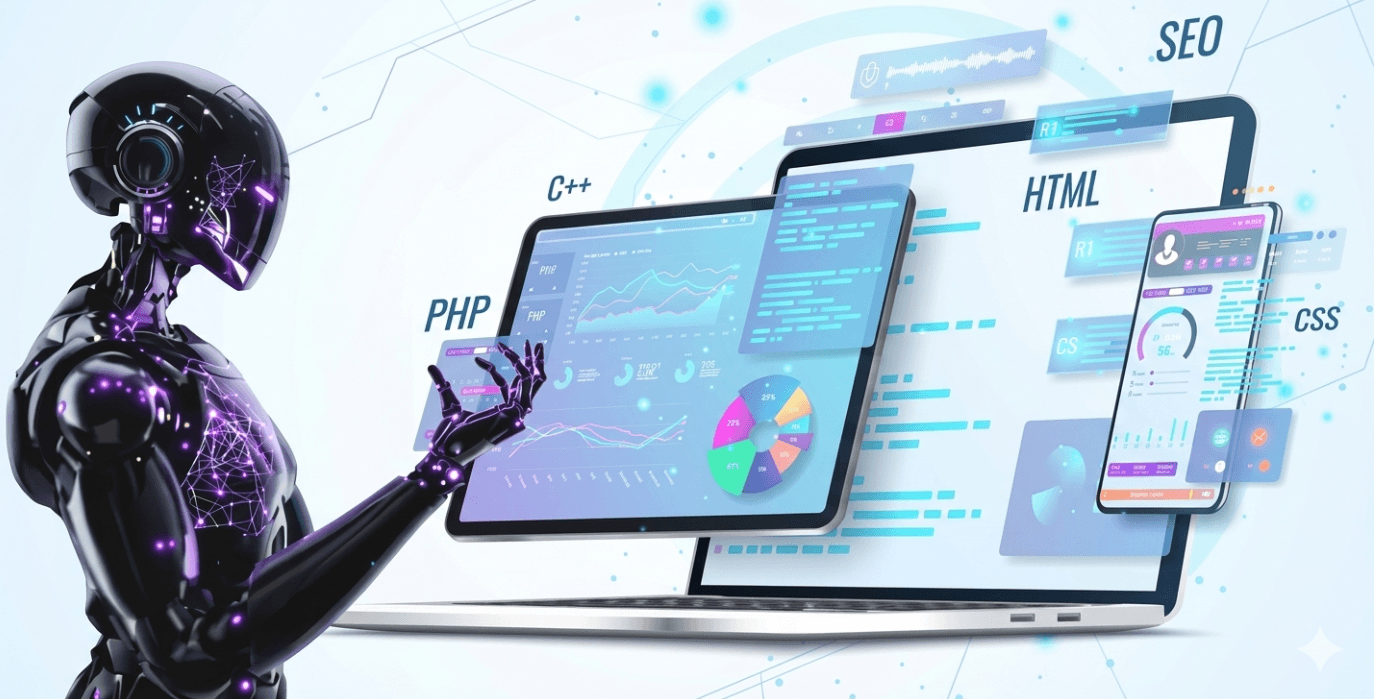
For example, a doctor can create a booking system by describing workflows, while AI handles implementation. According to experts, vibe coding helps reduce repetitive technical work and shortens the path from idea to product.
This approach is especially useful for startups and small businesses, allowing rapid experimentation with lower costs and risks.
Overall, vibe coding is not just a trend—it makes programming more accessible. However, combining AI with fundamental programming knowledge remains essential for long-term success.
In conclusion, when used properly, vibe coding can become a powerful tool to turn ideas into reality. Combining AI with basic programming knowledge helps ensure better product quality and sustainable growth in the digital era.